OpenShot is a free and open source video editor for Linux, Windows and Mac OS X.
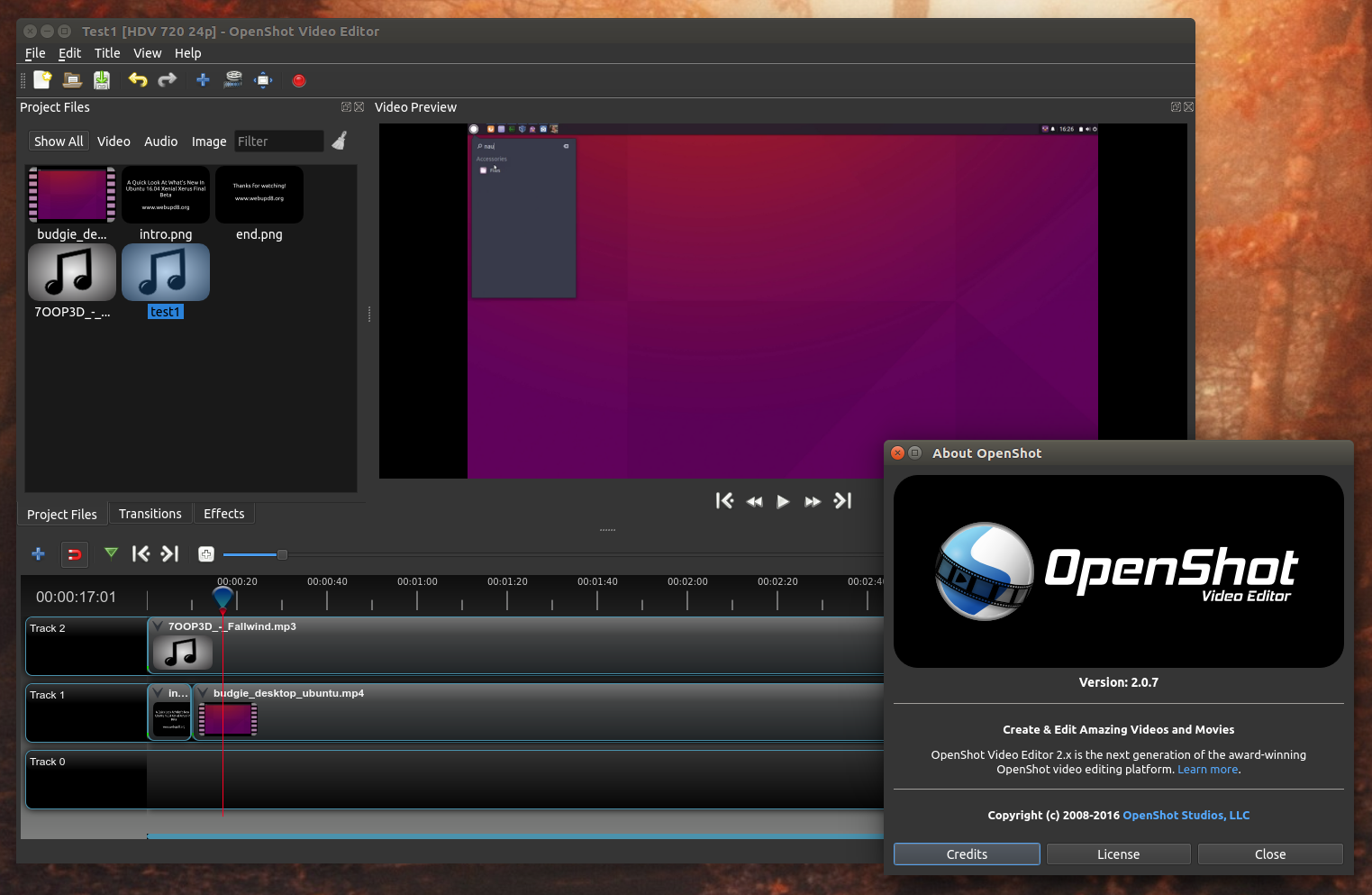
With version 2.0, which was born as a result of a successful Kickstarter campaign, OpenShot uses a new cross-platform engine written in C++, while the app uses PyQt5. Also, while version 1.x is Linux only, with version 2.0, the application is also available for Windows and Mac OS X.
The latest OpenShot 2.0.7 (beta 4) brings improved stability and performance, as well as new features, such as support for image sequences.
Changes in OpenShot 2.0.7 (beta 4):
- improved compatibility and stability on Mac and Windows;
- support for image sequences;
- added a new file properties dialog which displays all known audio/video details about a file;
- initial support for opening legacy 1.x OpenShot project files;
- faster timeline performance;
- improved project saving;
- ImageMagic support is now optional;
- various bug fixes.
Check out the complete OpenShot 2.0.7 (beta 4) release announcement, HERE.Probably the most exiting news regarding OpenShot 2.0 for Linux is not the latest 2.0.7 release itself, but the addition of universal Linux downloads.
The OpenShot downloads page now offers the latest OpenShot 2.0.7 beta 4 for Linux as a single “AppImage“, which includes all the required dependencies. To use it, simply download the file, make it executable and launch it.
According to the OpenShot 2.0.7 beta 4 release announcement, the new OpenShot AppImage should work with the latest Debian, Fedora, Gentoo, openSUSE, Arch and Ubuntu. Other Linux distributions might work too, but only those I just mentioned were tested.
Download OpenShot
For Ubuntu, the OpenShot downloads page recommends using the official OpenShot PPA. However, at the time I’m writing this article, the PPA contains OpenShot 2.0.6 and not the latest 2.0.7 version. Furthermore, there are some dependency issues for the OpenShot Ubuntu 16.04 Xenial Xerus package and you won’t be able to install it from the PPA for now.
To add the PPA and install OpenShot 2.x in Ubuntu (15.10 and 14.04), Linux Mint 17.x and derivatives, use the following commands:
sudo add-apt-repository ppa:openshot.developers/ppa
sudo apt-get update
sudo apt-get install openshot-qt
Download OpenShot (binaries available for Linux – generic AppImage, Windows and Mac, as well as source code)
To use the OpenShot AppImage in Linux, download it, make it executable (right click the file, select Properties and under “Permissions”, check the box next to “Executable”; or via command line: “chmod +x OpenShot-2.0.7.AppImage”) and double click it to run OpenShot.